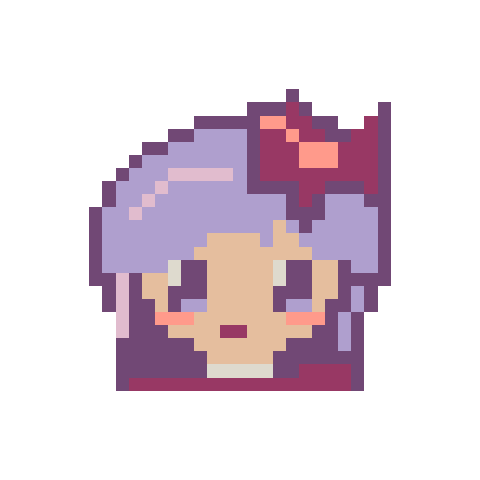
Ribbon Chibi
29 × 297 colorsBalanced
435 beads1 board
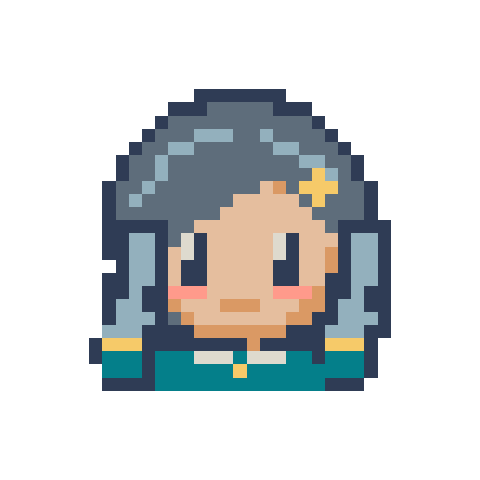
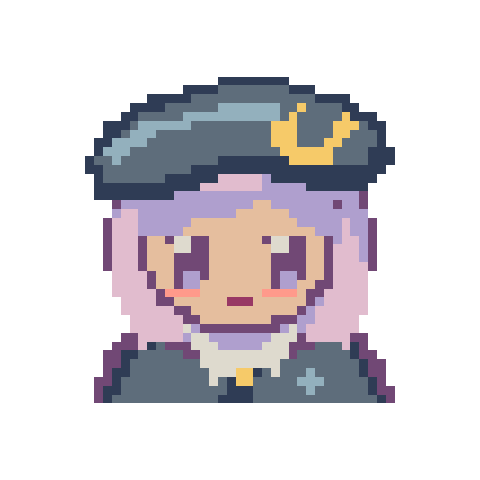
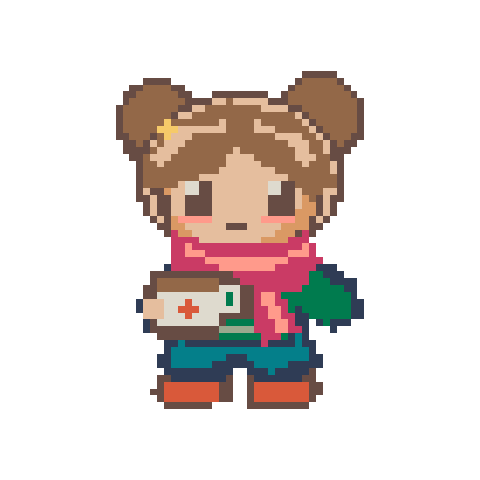
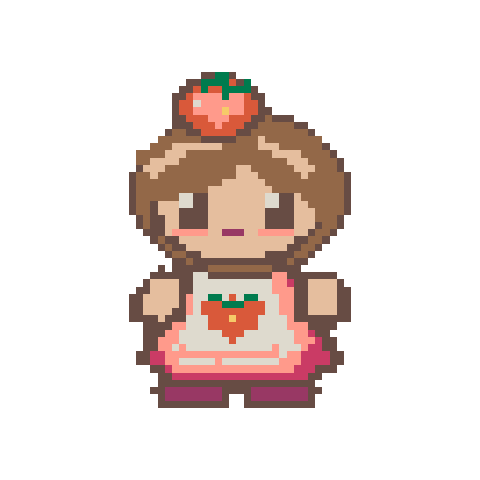
Turn a character you designed in ChibiChu into a bead pattern, or try one of our original chibi designs. Pick a one-board portrait or keep the whole outfit.
Export your character image or take a screenshot on a plain background. Crop out the app controls. Use Remove background if you want the empty space around the character to stay clear.
Try a longest edge of 29 for a close-up, 58 for a half-body crop, or 87 for a full outfit. If the eyes blur into the fringe, crop closer or increase the grid before adding colors.
Start with flat colors and a limit of 12. If details such as a light collar disappear, try 24 colors or fix those cells by hand. Check the bead list before downloading the PDF.
Each pattern includes a grid and bead list. Open one to change colors or download a PDF.