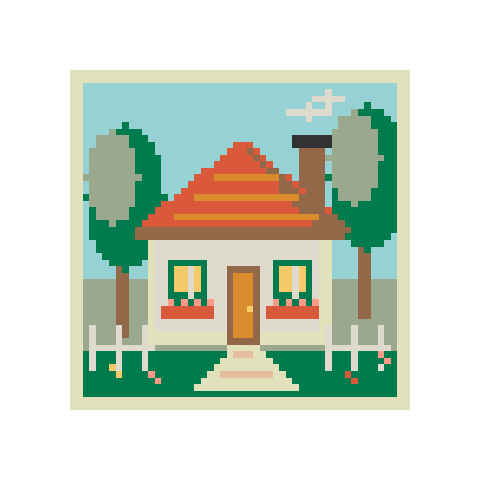
Garden cottage
58 × 5812 colorsBalanced
Make a bead QR code from a link or short text. Download the grid and test the code before and after making it.
Test the exported code, then test the finished beads with your phone. Scan quality depends on contrast, holes and ironing.
Screen colors are approximate. Check physical beads before buying.
Start with a short link and size the code for the boards you have.
A short URL usually uses fewer squares. Keep it short if you want the pattern to fit one board.
Start at one bead per square. Higher error correction or larger squares can require extra boards. Leave the light border in place.
Use Check QR on the preview, then download the chart. Scan the finished piece in good light.
Start with a detailed scene or a small beginner pattern. Every design can be edited.
Convert a picture, draw from scratch, or work with letters and colors.
Convert photos or illustrations into Perler bead patterns. Choose the size and colors, edit a few cells, then download the PDF and bead list.
Turn a photo or illustration into pixel art. Set the resolution and number of colors, keep transparent areas, and download a PNG.
Draw a bead pattern on a blank grid. Use the pen, fill and eraser, then print the finished chart with its bead list.
Make a bead pattern from a name or short message. Supports A–Z, numbers and basic punctuation, with an editable grid and bead list.
Find a close color in another bead brand. Compare Perler, Hama, Artkal and MARD references, then use your chosen palette in a project.
Draw pixel art on a blank canvas. Paint, fill, erase and pick your own colors, then export a crisp transparent PNG or an editable project.
Resize pixel art with nearest-neighbor scaling. Enlarge sprites at 2×, 3×, 4× or a custom size, preserve hard edges and transparency, and download PNG.
A Version 1 code uses 21 × 21 squares. With a border of four squares on each side and one bead per square, it fits a 29 × 29 board exactly.
It reads the current digital grid using its actual colors. Bead holes, glare and lighting can affect the finished piece, so scan it again when it’s made.