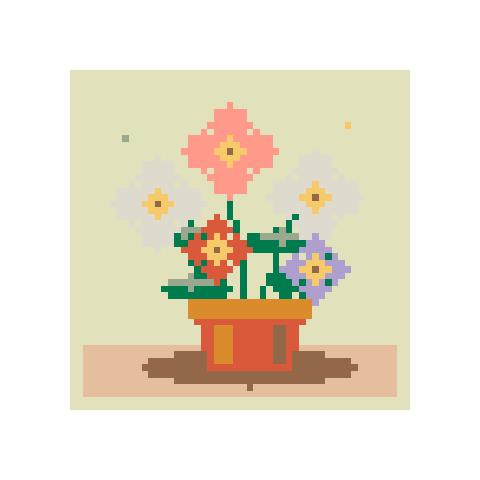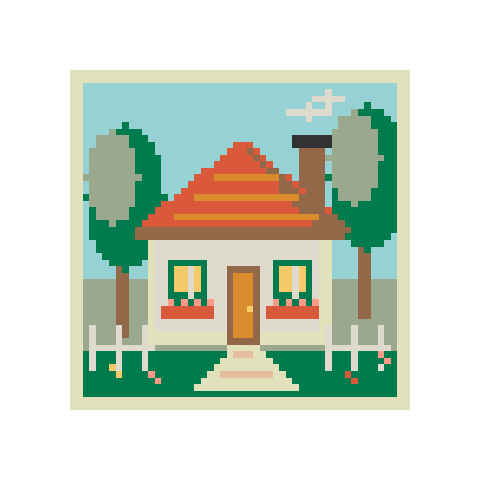
Garden cottage
58 × 5812 colorsBalanced
Turn a photo or illustration into pixel art. Set the resolution and number of colors, keep transparent areas, and download a PNG.
More cells bring more detail. Size changes update the preview automatically.
Colors used: 12
Colors are picked from your image automatically.
Select a color to find it on the pattern.
Free palette colors are sampled from your image. Use a bead palette to make a physical project.
Convert a photo, draw on a blank grid, or enlarge pixel art you already have.
Upload a PNG, JPG or WebP. Crop your subject or remove its background before converting.
Increase the resolution for more detail, then choose your palette and maximum colors.
Edit individual pixels, download a PNG, or save a project file to finish later.
Start with a detailed scene or a small beginner pattern. Every design can be edited.
Convert a picture, draw from scratch, or work with letters and colors.
Convert photos or illustrations into Perler bead patterns. Choose the size and colors, edit a few cells, then download the PDF and bead list.
Draw a bead pattern on a blank grid. Use the pen, fill and eraser, then print the finished chart with its bead list.
Make a bead pattern from a name or short message. Supports A–Z, numbers and basic punctuation, with an editable grid and bead list.
Find a close color in another bead brand. Compare Perler, Hama, Artkal and MARD references, then use your chosen palette in a project.
Make a bead QR code from a link or short text. Download the grid and test the code before and after making it.
Draw pixel art on a blank canvas. Paint, fill, erase and pick your own colors, then export a crisp transparent PNG or an editable project.
Resize pixel art with nearest-neighbor scaling. Enlarge sprites at 2×, 3×, 4× or a custom size, preserve hard edges and transparency, and download PNG.
For a square crop, try 16 × 16 for a simple icon, 32 × 32 for a face or small sprite, and 64 × 64 when the outline or expression needs more room. Compare at 100% before deciding.
In More options, try Floyd–Steinberg if a photo has hard bands between shades. Atkinson gives a more textured, retro look. Leave dithering off for lettering, logos or flat illustrations with clean edges.
Upload a PNG or WebP that already has transparency, or use the background tool on a photo. Download Pixel PNG to keep the empty pixels transparent. For a larger copy, open the PNG in the resizer and use a whole-number scale.
Use the converter for photos, the maker to draw by hand, and the resizer to enlarge existing pixel artwork.
The tools process images in your browser. Your artwork stays on your device.
For a retro look, try a small grid and a limited palette. Exports are standard transparent PNGs, not indexed-color files.
For existing pixel art, use the resizer with whole-number scales such as 2× or 4×. Custom dimensions use nearest neighbor too, but some source pixels may occupy unequal widths.