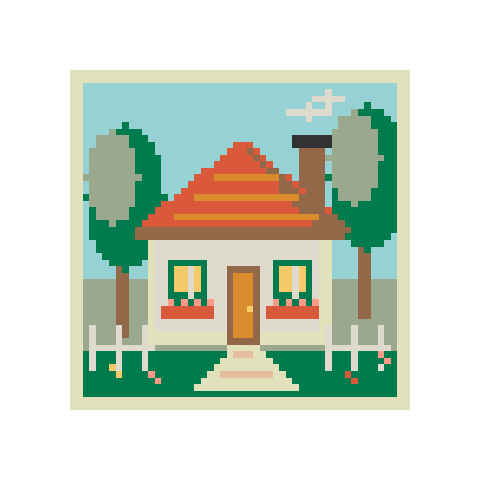
Garden cottage
58 × 5812 colorsBalanced
Draw a bead pattern on a blank grid. Use the pen, fill and eraser, then print the finished chart with its bead list.
Draw a few cells, upload an image, or open a pattern.
Add canvas space or scale your artwork below.
Screen colors are approximate. Check physical beads before buying.
Choose the palette you have on hand before drawing.
Enter the width and height in beads. Leave room around the edges for the shape you want.
Draw the outline with the pencil, fill broad areas, then tidy stray cells with the eraser.
Switch on codes, symbols or pegboard seams. Save the editable project or print a PDF at actual size.
Start with a detailed scene or a small beginner pattern. Every design can be edited.
Convert a picture, draw from scratch, or work with letters and colors.
Convert photos or illustrations into Perler bead patterns. Choose the size and colors, edit a few cells, then download the PDF and bead list.
Turn a photo or illustration into pixel art. Set the resolution and number of colors, keep transparent areas, and download a PNG.
Make a bead pattern from a name or short message. Supports A–Z, numbers and basic punctuation, with an editable grid and bead list.
Find a close color in another bead brand. Compare Perler, Hama, Artkal and MARD references, then use your chosen palette in a project.
Make a bead QR code from a link or short text. Download the grid and test the code before and after making it.
Draw pixel art on a blank canvas. Paint, fill, erase and pick your own colors, then export a crisp transparent PNG or an editable project.
Resize pixel art with nearest-neighbor scaling. Enlarge sprites at 2×, 3×, 4× or a custom size, preserve hard edges and transparency, and download PNG.
Use the arrows beside its entry in the bead list. Pick a color, then confirm Replace all. You can undo the swap.