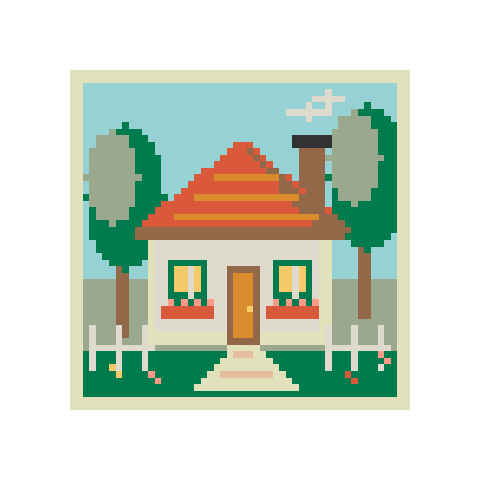
Garden cottage
58 × 5812 colorsBalanced
Upload a photo, set the size and colors, then print your bead pattern.
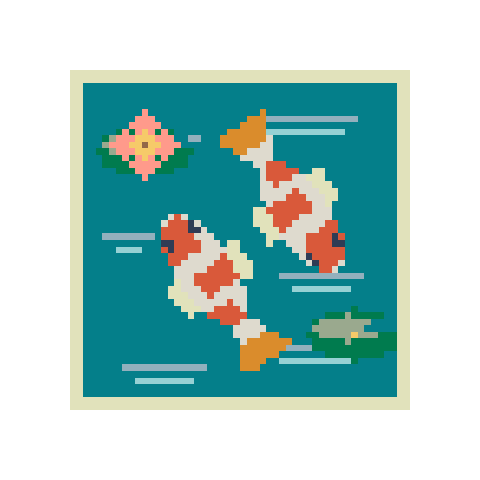
More cells bring more detail. Size changes update the preview automatically.
Colors used: 12
Brand colors are matched automatically.
Select a color to find it on the pattern.
Screen colors are approximate. Check physical beads before buying.
Crop around your subject, choose a size, then check the colors before printing.
Upload a photo or illustration, or open a pattern from the library.
Set the grid size and color limit. Open Edit pattern to fix individual cells.
Download the pattern and bead list, or mark your progress on screen. Save a project file to continue later.
Start with a detailed scene or a small beginner pattern. Every design can be edited.
Convert a picture, draw from scratch, or work with letters and colors.
Turn a photo or illustration into pixel art. Set the resolution and number of colors, keep transparent areas, and download a PNG.
Draw a bead pattern on a blank grid. Use the pen, fill and eraser, then print the finished chart with its bead list.
Make a bead pattern from a name or short message. Supports A–Z, numbers and basic punctuation, with an editable grid and bead list.
Find a close color in another bead brand. Compare Perler, Hama, Artkal and MARD references, then use your chosen palette in a project.
Make a bead QR code from a link or short text. Download the grid and test the code before and after making it.
Draw pixel art on a blank canvas. Paint, fill, erase and pick your own colors, then export a crisp transparent PNG or an editable project.
Resize pixel art with nearest-neighbor scaling. Enlarge sprites at 2×, 3×, 4× or a custom size, preserve hard edges and transparency, and download PNG.
Yes. Conversion, editing, bead lists, PNG and standard PDF export, local saves and project files are free. You do not need an account.
No. Images are processed in your browser. AI background removal downloads a model on first use, but your photo stays on your device.
Yes. Changes are saved to this browser. Download a .beadsketch project file for a portable backup, then import it to restore the grid, palette and making marks.
Use the correct board pitch and print at 100% or Actual size. Check the PDF’s 100 mm ruler and your actual board before relying on alignment.
Screen colors are a guide, not an exact match. Check your actual beads before buying a large quantity.